Electronics Repair Kits:
Master Your Electronics Repairs
Fix everything from phones to laptops with confidence. DIY is safe when you have the right tools and knowledge at your fingertips.
Safety & Risk Assessment
When tackling electronics repairs, understanding the risk levels can guide your approach. Each zone highlights potential problems you might encounter, ensuring you're well-prepared for the task at hand.
Low Risk Repairs
- Replacing a smartphone screen
- Swapping out a laptop battery
- Installing a new hard drive
- Updating RAM in a desktop
- Cleaning dust from a console
- Changing a laptop keyboard
Moderate Risk Repairs
- Replacing internal components on a tablet
- Repairing water damage in a phone
- Upgrading a graphics card in a PC
- Reflowing solder on a motherboard
- Fixing a cracked circuit board
- Replacing a charging port
High Risk Repairs
- Attempting to fix a motherboard failure
- Replacing components in a high-end gaming console
- Repairing power supply issues in desktops
- Working with high-voltage electronics
- Attempting data recovery from damaged drives
- Fixing internal wiring in appliances
Browse Electronics Repair Kits
Dive into our top picks for electronics repair kits! From comprehensive toolsets to beginner-friendly options, we’ve got you covered. Whether you're fixing laptops or phones, these kits offer the precision and quality you need.
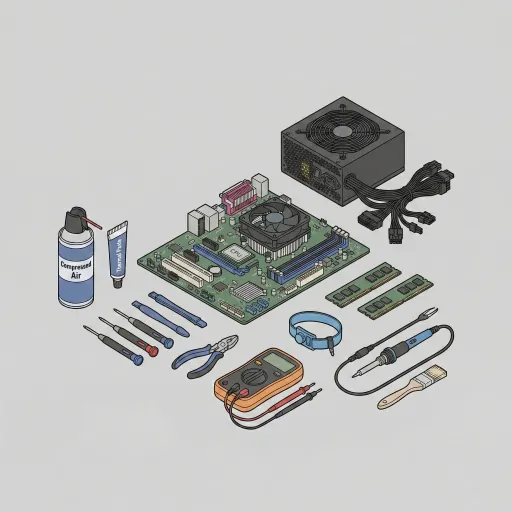
Computer Repair Kits
Fix hardware with the 3 best computer repair kits of 2026. Compare precision toolsets for laptops, desktops, and delicate electronic components.
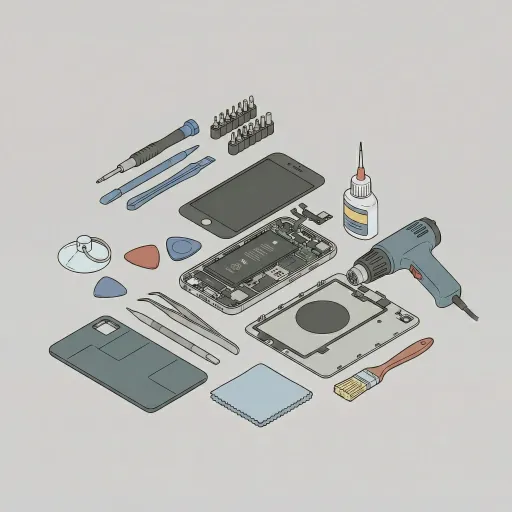
Phone Repair Kits
Save on screen and battery replacements. Compare the 3 best phone repair kits of 2026 for iPhone, Samsung, and other major smartphone brands.
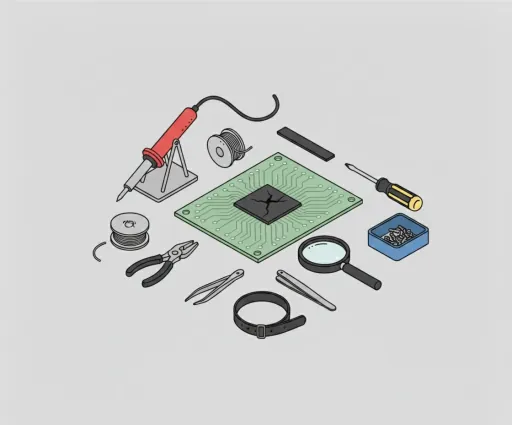
Electronics Repair Kits
Fix anything from consoles to PCs. Compare the 3 best electronics repair kits of 2026 featuring precision drivers and essential anti-static tools.
Stop: When DIY is Not an Option
Repairing electronics can be a rewarding experience. But sometimes, it's better to know when to step back. Here are some insights from experts on when DIY might not be the best option.
Expert Consensus
Experts generally agree that certain repairs require professional intervention. Understanding your limits can save time and prevent further damage.
When to Call a Pro
- Complex Repairs: If the repair involves intricate components or requires specialized tools, consider seeking professional help.
- Warranty Concerns: Attempting repairs on devices under warranty may void it, so check before diving in.
- Safety Risks: For repairs involving electrical issues or potential hazards, it’s wise to consult an expert for safety.
Signs You Shouldn't DIY
- Lack of Experience: If you're unsure about your skills or the repair process, it's better to leave it to someone experienced.
- Missing Tools: Not having the right tools can lead to improper repairs, further complicating the situation.
- Time Constraints: If you're pressed for time, professional services can often deliver quicker and more reliable results.
Expectation Benchmark
When you tackle electronics repairs, expectations matter. Understanding cost, time, and durability helps you make informed decisions. Here's what to anticipate.
DIY kits range from $20 to $100, while professional labor can cost between $100 and $200. Choosing a DIY kit can save you a significant sum.
Most repairs typically take about 30 to 60 minutes to complete, depending on the complexity of the task and your experience.
Repairs can last anywhere from 1 to 3 years, depending on the quality of the components used and how well the device is maintained.
Category FAQ
What should I look for in an electronics repair kit?
Consider the types of repairs you'll be doing. Look for kits with the right precision bits, ESD-safe tools, and essential accessories. Quality and variety matter—don't skimp on what's included.
Are these kits suitable for beginners?
Absolutely! Many kits, like the iFixit Essential Electronics Toolkit, are perfect for novices. They come with user-friendly tools and instructions, making DIY repairs accessible and enjoyable.
How do I choose between a phone and a computer repair kit?
It boils down to your specific needs. If you're fixing phones, opt for phone repair kits. For laptops or desktops, computer repair kits are ideal. Each kit is tailored for its purpose.
Is it safe to use these tools on delicate electronics?
Yes, many kits feature ESD-safe tools designed for sensitive components. This minimizes the risk of static electricity damage. Just follow the instructions carefully to ensure safe usage.
What if I need additional tools later on?
Many kits allow for expansion. You can always purchase specialized tools separately. It’s wise to invest in high-quality tools as your repair skills grow—don’t hesitate to explore.